 Kindling
Phone agents
An AI phone agent that answers in your clinic’s name
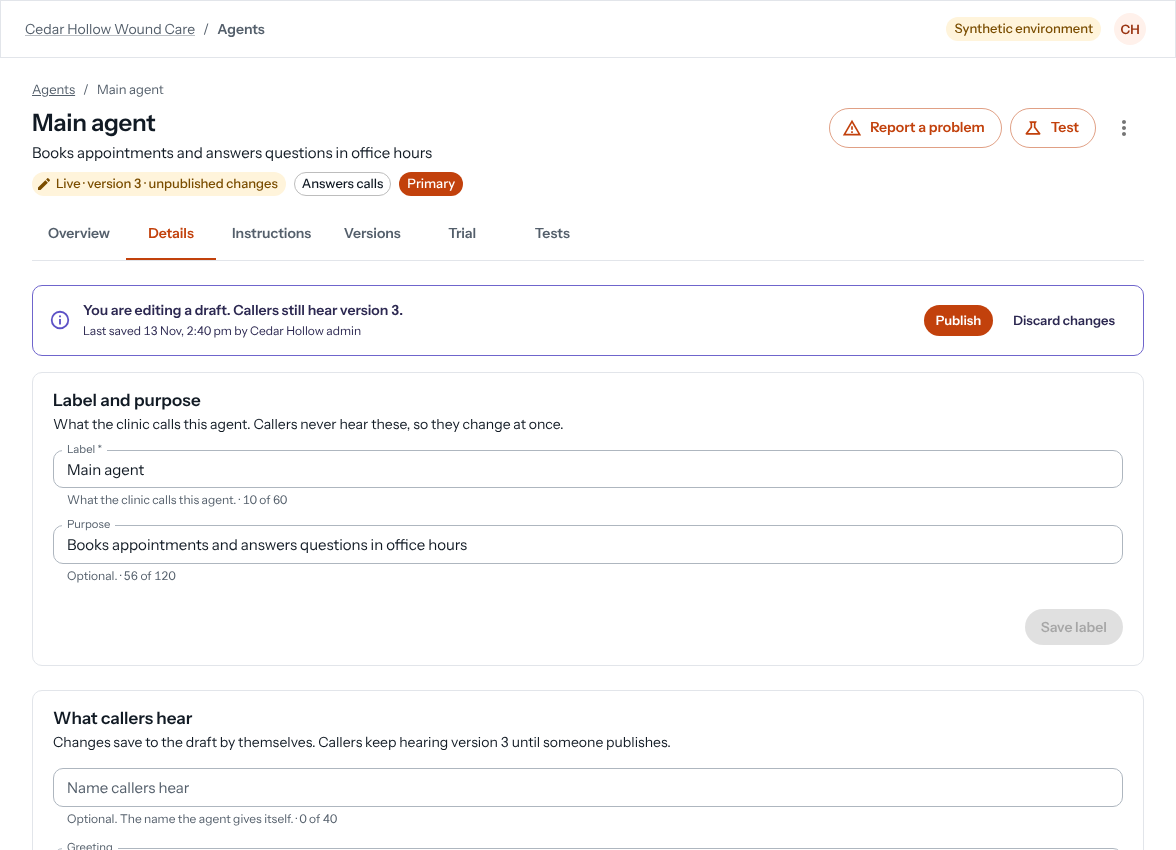
Write the greeting yourself. Give the agent your hours and the questions it can answer, then choose where it sends callers who need staff.
Kindling AI for Clinics
How it works
Write the greeting and instructions
Use the clinic’s name and language. Add the office hours, services and frequently asked questions the agent can use.
Preview the draft
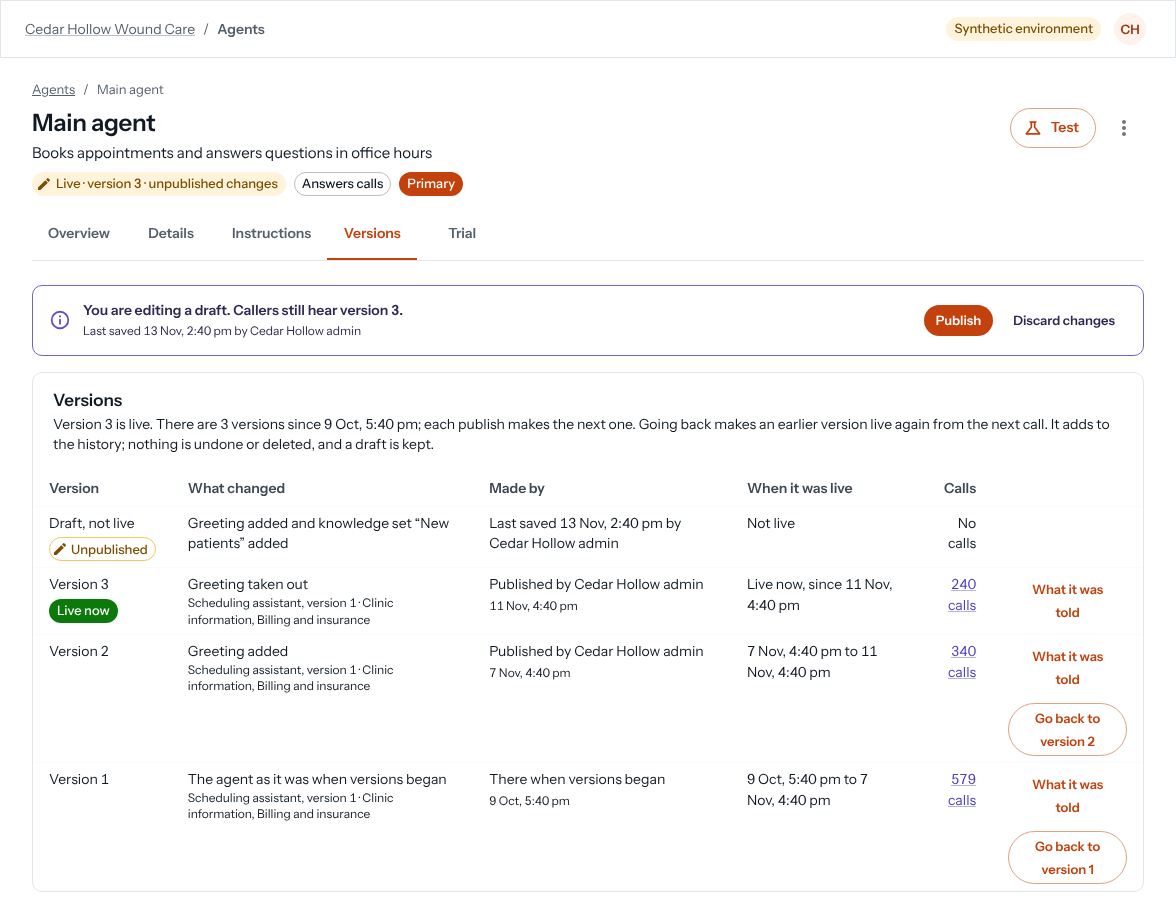
Use the test panel to hear or try the draft before changing the version used on a line.
Decide where staff take over
Review who answers each line, where staff transfers go and what should happen when nobody can pick up.
Sample walkthrough
A caller wants to speak to the office
Made-up example. It won’t place a call or change any records.
Caller
“Can I speak to someone at the front desk?”
Agent
Tries the front desk number the clinic set up.
If nobody answers
A callback shows up in the front desk queue.
Kindling AI for Clinics
Ask for a product walkthrough
Bring one call your front desk handles every day. We’ll show where it goes and what staff see if it needs a callback.