 Kindling
Scheduling
Appointment scheduling that fits the book you already use
Set the visit types and rules. If your front desk books in another system, the agent can take a request without telling the caller they’re booked.
Kindling AI for Clinics
How it works
Set the booking rules
Configure visit lengths, notice and gaps, clinic hours and closed days so routine requests follow the clinic’s process.
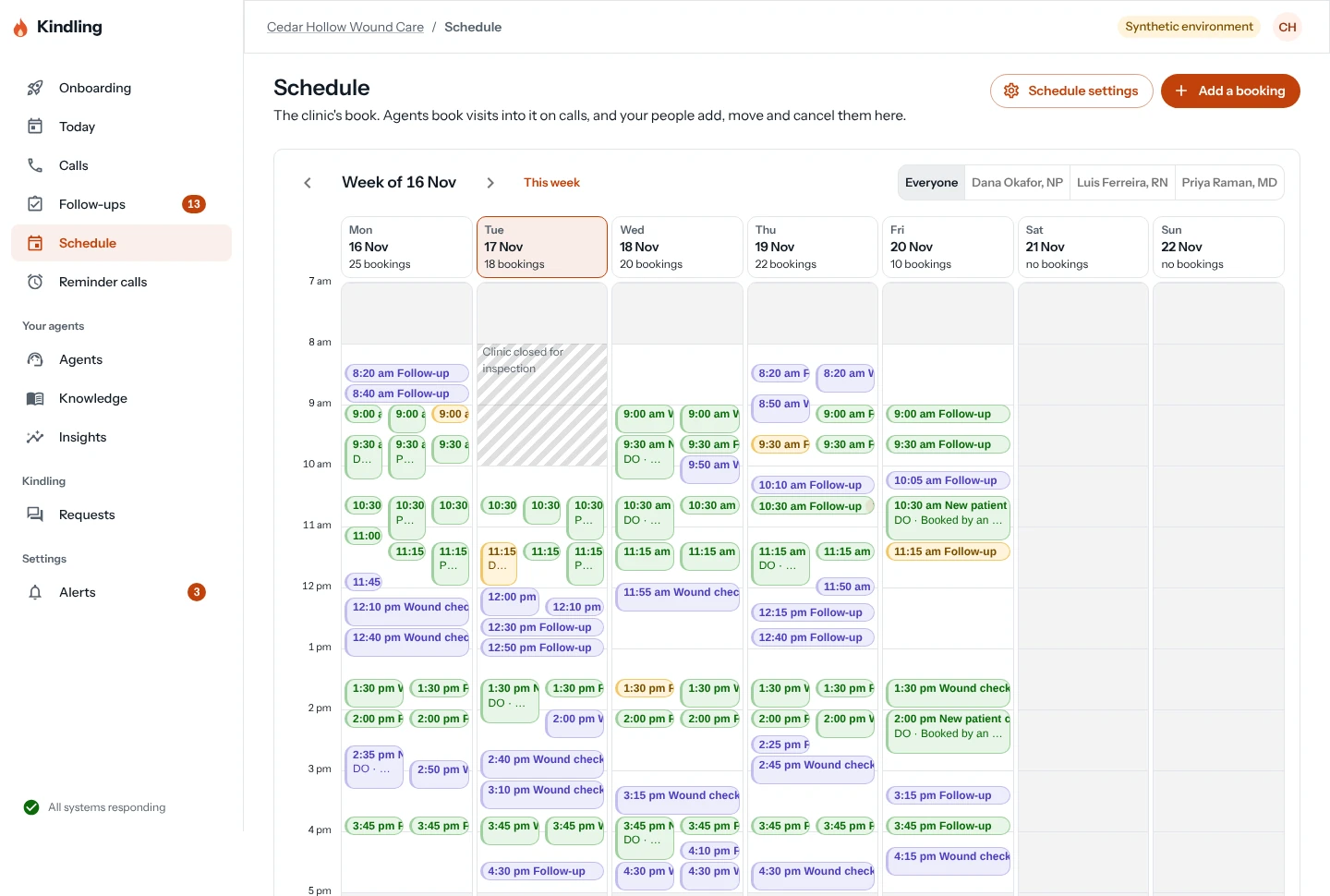
Work from the clinic’s schedule
An eligible request can turn into a confirmed visit on Kindling’s schedule. Staff can take over from Follow-ups when needed.
Record visits kept elsewhere
In staff-managed mode, record the time and outside reference after booking in the clinic’s other system.
Sample walkthrough
A patient calls for a new-patient visit
Made-up example. It won’t place a call or change any records.
Requested
The call captures which visit the patient needs.
Waiting on staff
If staff keep the book elsewhere, the request stays in Follow-ups.
Booked
Staff record the actual time and reference after the outside booking is confirmed.
Kindling AI for Clinics
Ask for a product walkthrough
Bring one call your front desk handles every day. We’ll show where it goes and what staff see if it needs a callback.