 Kindling
Can we manage all our clients from one place?
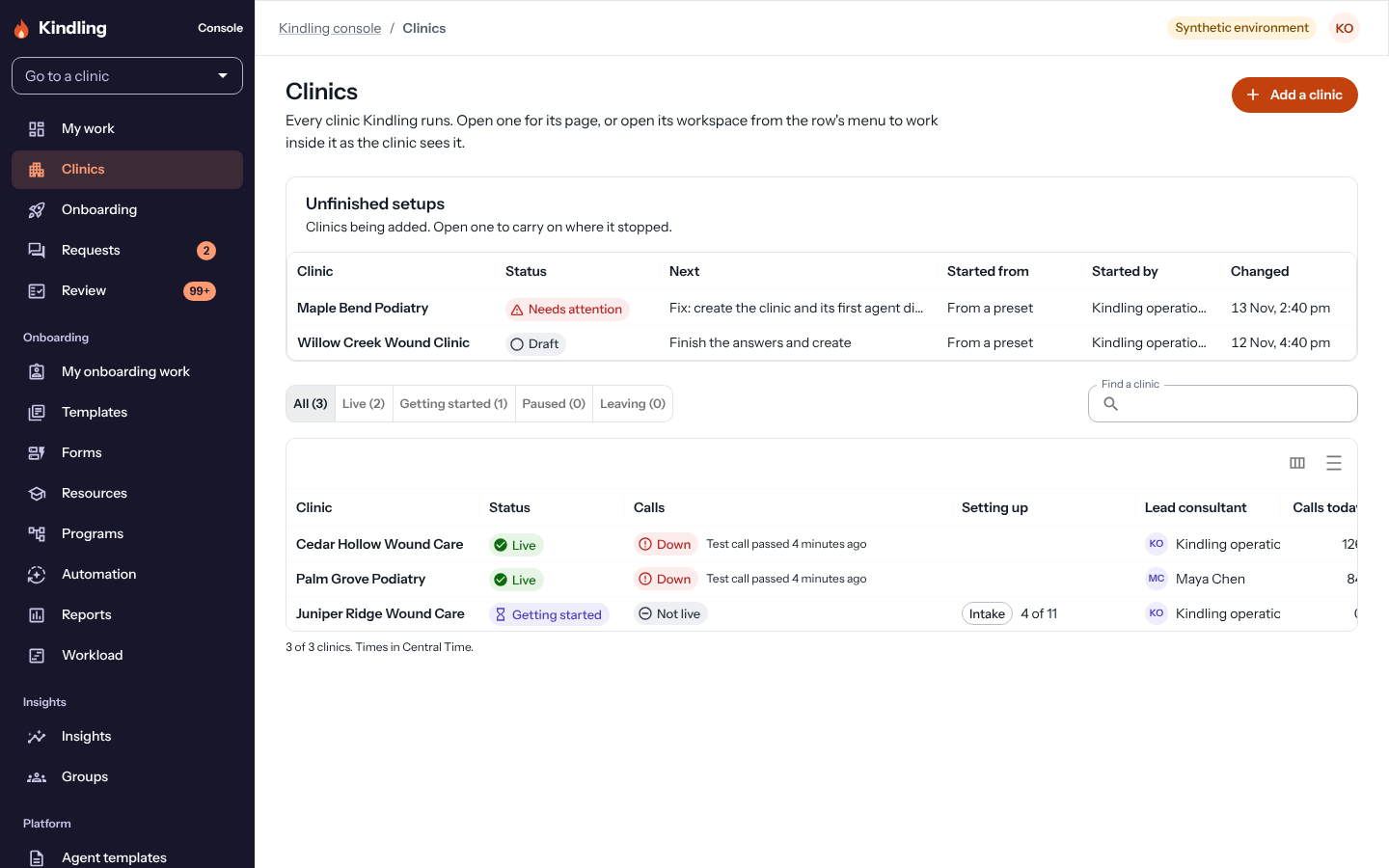
Your agency can manage multiple client workspaces from one console. Each client has its own agents, numbers, routing and workspace access.
See how the agency console worksKindling AI for Agencies
Give each client its own workspace, agents, numbers and routing. Keep setup, testing and support in one agency console, so adding a client doesn’t mean building another dashboard.
For AI implementation agencies, service partners and clinic networks
Reuse the setup that works and tailor the parts that differ: who calls, what the agent can answer and where staff take over.
Start from an onboarding preset, tailor the greeting and routing, and try a practice call. Test before you send real callers to the agent.
Start with a preset instead of a blank checklist. Give each step an owner and a due date, and show the clinic what it needs to do next.
Start with the shift board, then open the clinic with a problem. See its latest checks, answering lines and who’s handling the incident.
See which number belongs to which clinic, what answers it on each weekday and whether anyone has checked the line.
A clinic can report the problem from the affected call, appointment or setup step. The operator gets a ticket with the starting point already attached.
See who pays for each clinic and check the usage behind each draft invoice before issuing it.
Also available
Kindling answers routine calls and takes appointment requests. When a caller needs a person, it can try the front desk or leave a callback for staff.
Your agency can manage multiple client workspaces from one console. Each client has its own agents, numbers, routing and workspace access.
See how the agency console worksYou can set up and try a draft before connecting a live line. The actual launch depends on the carrier, number, routing test and client sign-off.
See what needs to be readyStart with a project template, then set owners and due dates for each clinic. You can see which steps are waiting on the clinic and which are waiting on your team.
See a clinic onboarding planNo. Finishing the plan and turning on phone service are separate steps. The operator reviews readiness, line checks, and clinic approval before changing service state.
See how phone lines are managedStaff can open a request from the part of the app where they ran into trouble. Your team can take ownership or link related requests to an incident while keeping each clinic’s updates separate.
See support requests and incidentsKindling AI for Agencies
Bring one client and one workflow. We’ll walk through the agent setup, what a client can see, and where your team handles support.