 Kindling
Usage and billing
See the usage behind a clinic’s invoice
See who pays for each clinic and check the usage behind each draft invoice before issuing it.
Kindling AI for Agencies
How it works
Review usage by clinic
See the month’s call activity and talk time where measured. Usage visibility depends on the workspace and role.
Choose who pays
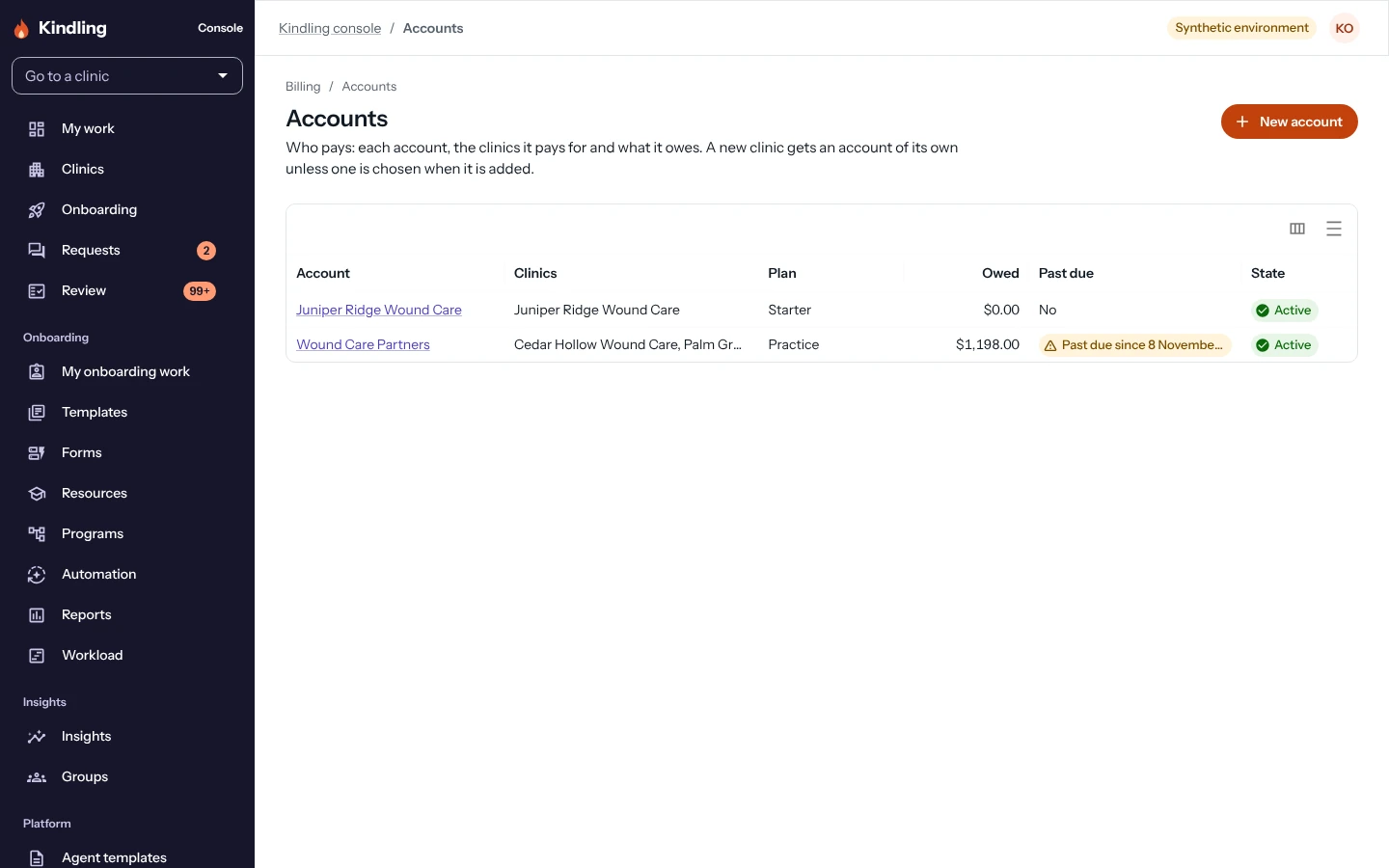
Keep a clinic on its own account or group clinics under an account. Review plan terms and effective dates.
Check invoice lines
Inspect the underlying usage, review any adjustments and distinguish a draft from an issued invoice.
Sample walkthrough
A network pays for multiple clinics
Made-up example. It won’t place a call or change any records.
Account
Review which clinics the payer covers and when.
Draft
Open the invoice to see how each clinic’s amount was calculated.
Review
Resolve flagged lines before deciding whether to issue it.
Kindling AI for Agencies
Ask for a product walkthrough
Bring one client and one workflow. We’ll walk through the agent setup, what a client can see, and where your team handles support.