 Kindling
Reminders
Appointment reminder calls with an outcome for each try
See who picked up, which calls reached voicemail and who still needs a callback. Set calling hours and review the message your clinic plans to leave.
Kindling AI for Clinics
How it works
Set when to call
Review the calling window, opt-outs and the clinic’s voicemail wording before enabling a reminder workflow.
Review what happened
Separate calls answered by a person from full message playback, no message, uncertain playback and no answer.
Put unresolved reminders on the front desk’s list
Staff can work an unanswered reminder or a request to move or cancel the visit from Follow-ups.
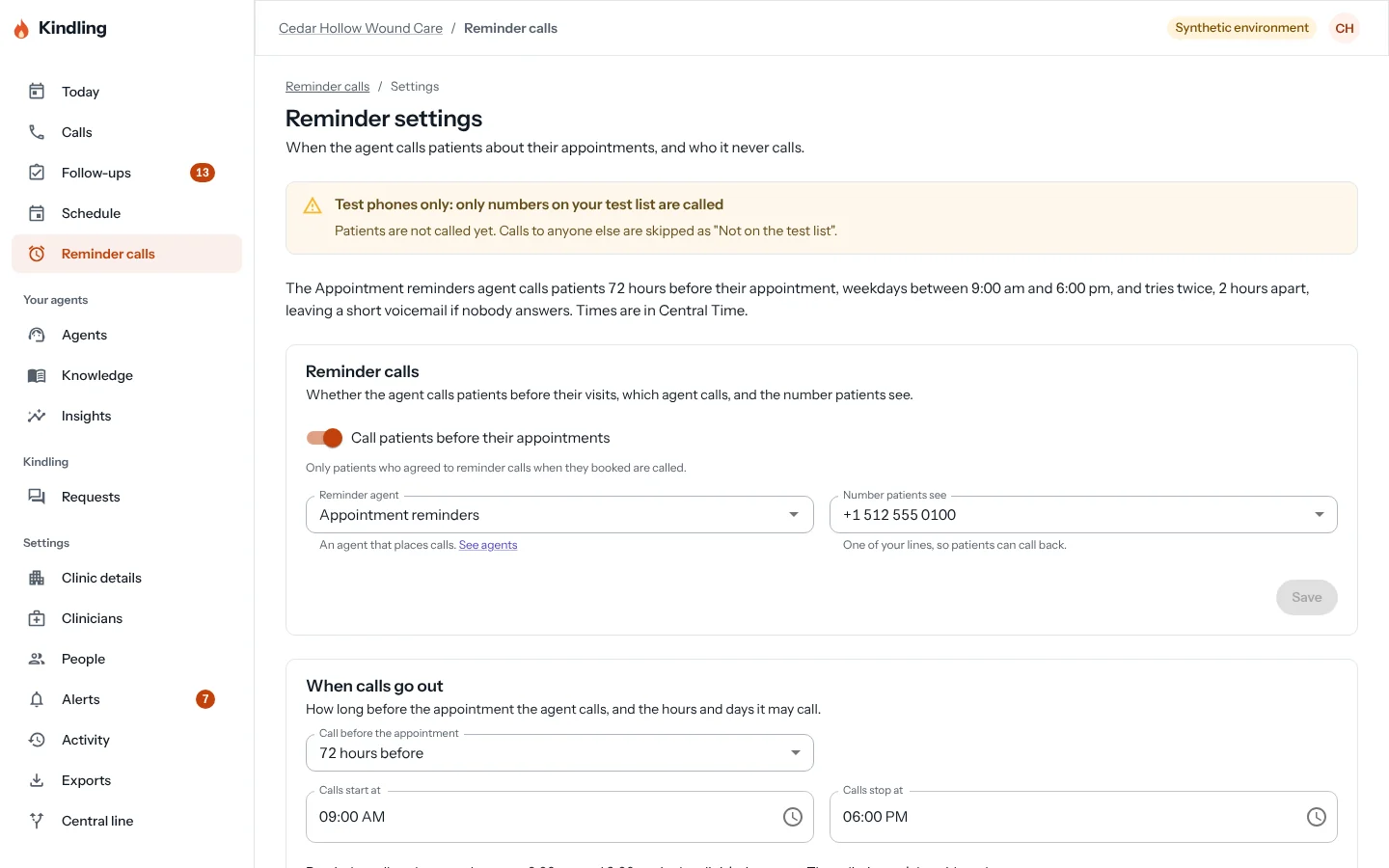
Sample walkthrough
A reminder reaches voicemail
Made-up example. It won’t place a call or change any records.
Mailbox detected
A mailbox is not counted as a patient reached.
Playback result
The record shows whether the message played fully, was uncertain or wasn’t left.
Follow-up
If no one is reached after the last try, staff can review what to do next.
Kindling AI for Clinics
Ask for a product walkthrough
Bring one call your front desk handles every day. We’ll show where it goes and what staff see if it needs a callback.