 Kindling
Host administration
Host console and platform access
Oversee agencies, review support access and understand the prerequisites for an eligible clinic move.
Who it’s for Host administrators and support
On this page
Start at the host Overview
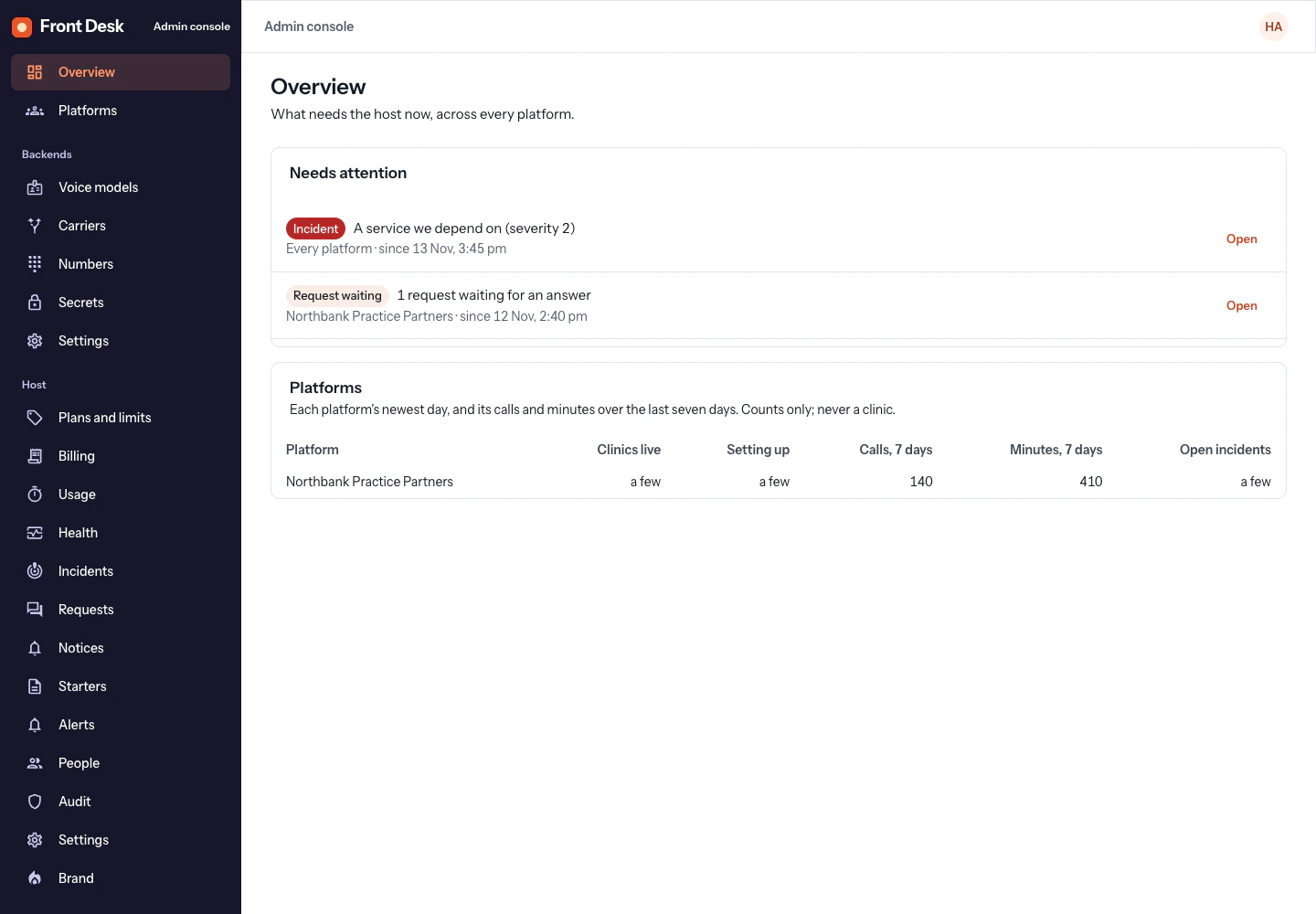
Host staff sign in to the Admin console at the system address. Open Overview for infrastructure issues, affected platforms, open support access and requests waiting on the host. Platform owners operate their own agency consoles; those consoles do not expose other platforms. The host dashboard shows platform-level aggregates, not clinic records.
Manage platforms and limited support access
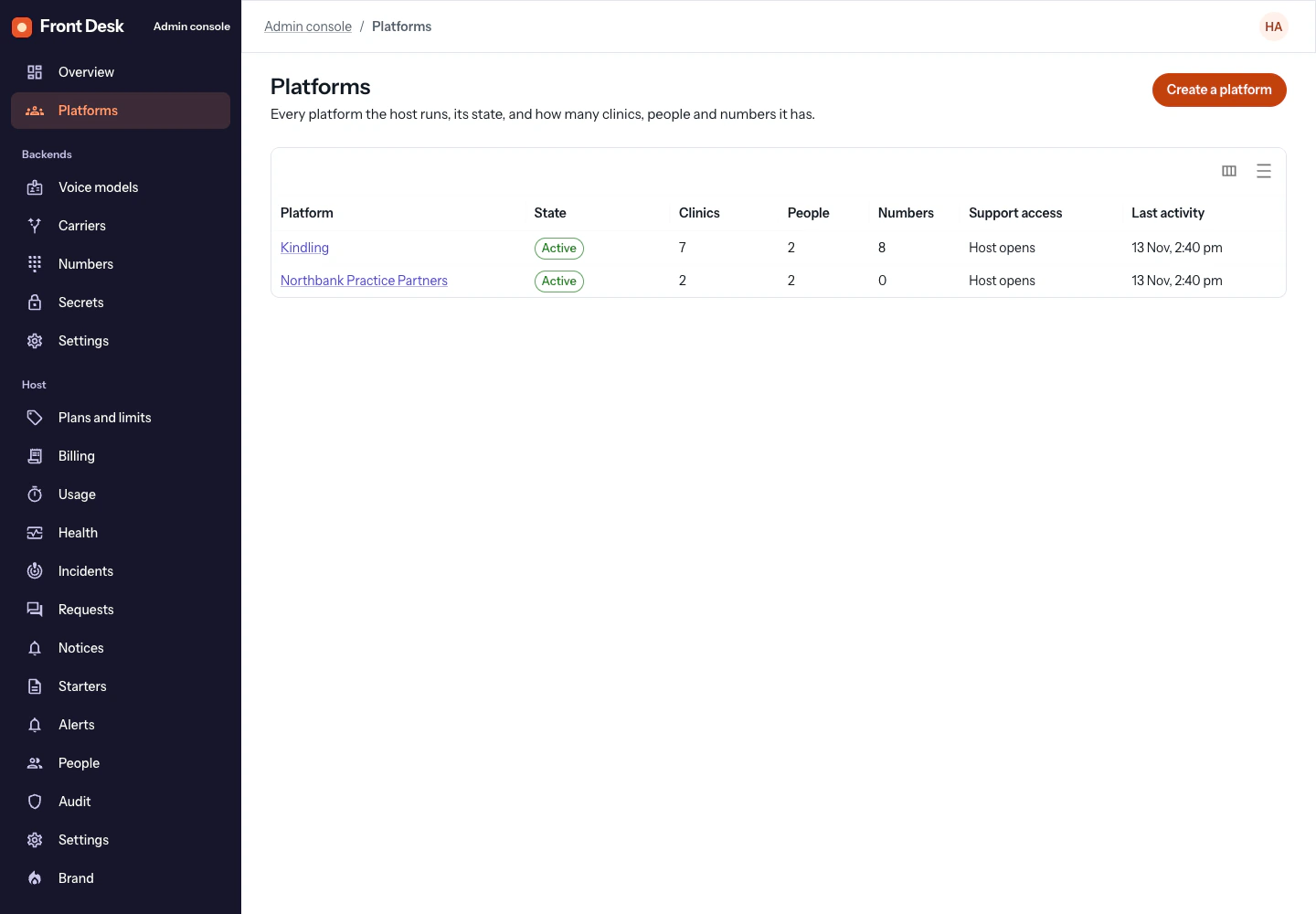
Open Platforms. Authorized host admins can create a platform, invite its owner, or open its Summary, State, Records and exports, Brand, Health, Plan and Backends. An agreement record documents what is on file; it is not a signature or a compliance determination. Changes to platform state can affect calling and access; use the dedicated controls and review their impact.
Support access is scoped and time-limited. Request it with a reason; depending on the platform’s policy, opening it can require a platform owner’s approval. Initial access is read-only, and a platform owner must approve a request for permitted changes. See what the platform sees shows covered clinics, status and call counts under the support person’s own identity and audit trail. The view cannot act as the platform or open patient records, recordings, transcripts or secrets.
Review a clinic move before committing it
- Open the destination platform and use Move a clinic here to preview the source clinic and destination. Re-preview if you change either the clinic or source. The preview checks destination capacity, carriers, voice model permissions and readiness.
- Resolve blocking assistant sessions, incident handoffs, allocated managed Telnyx lines or onboarding archive conditions. The source platform offers eligible incidents; the receiving agency reviews them under Incidents → Clinic move handoffs with a fresh sign-in. Acceptance is separate from executing the move.
- Only a host admin can complete an eligible move. The former platform sees a limited, read-only Former-clinic archive; the receiving clinic can see only shared history in Onboarding history. Neither view restores the old project or provides unrestricted archive access.